
Flux Student Directory
Your school community directory for iPhone, iPad, Mac and Apple Watch.
Your school directory, always at hand
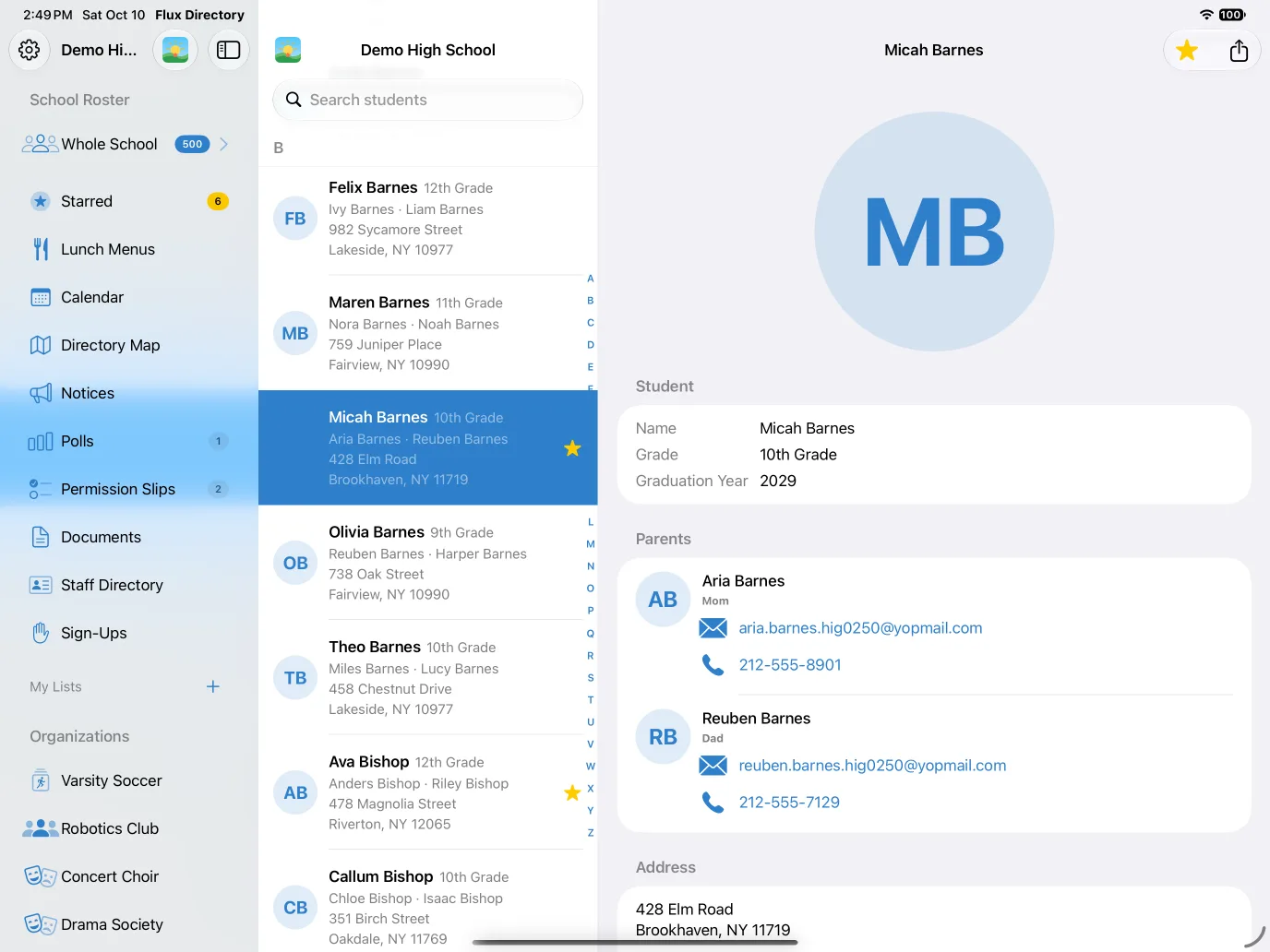
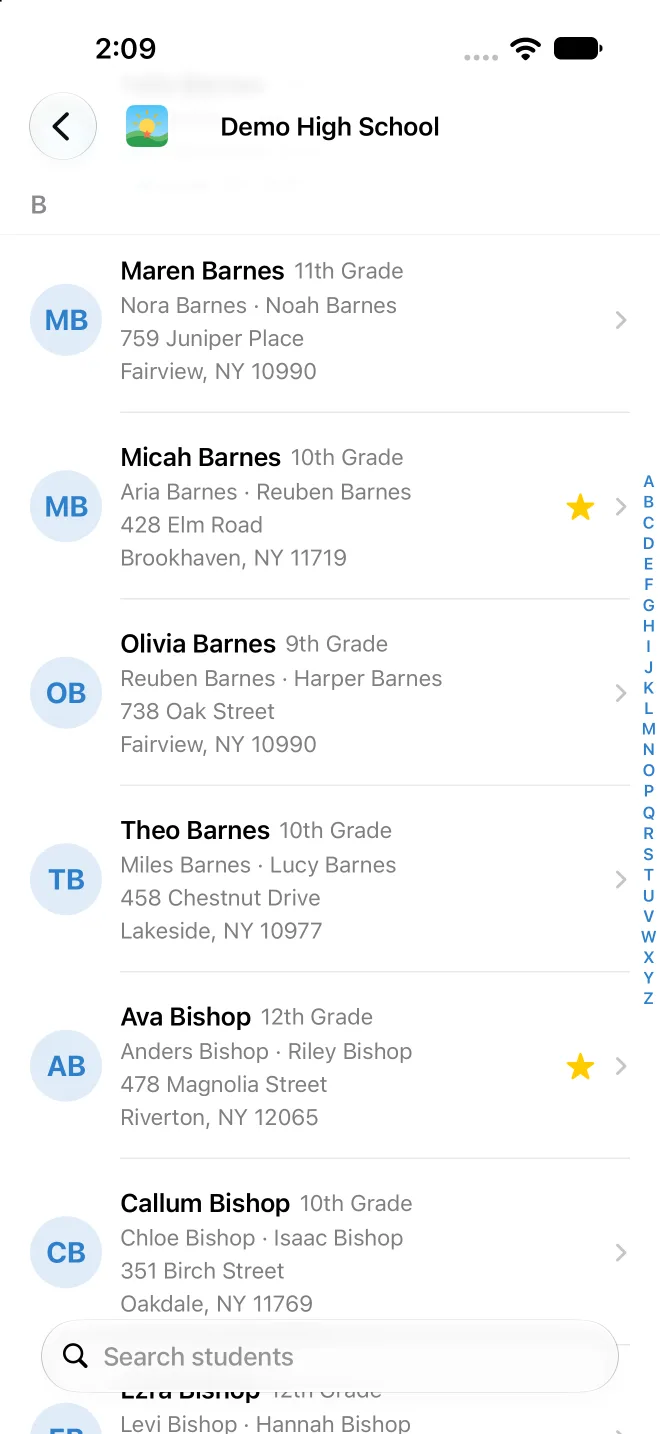
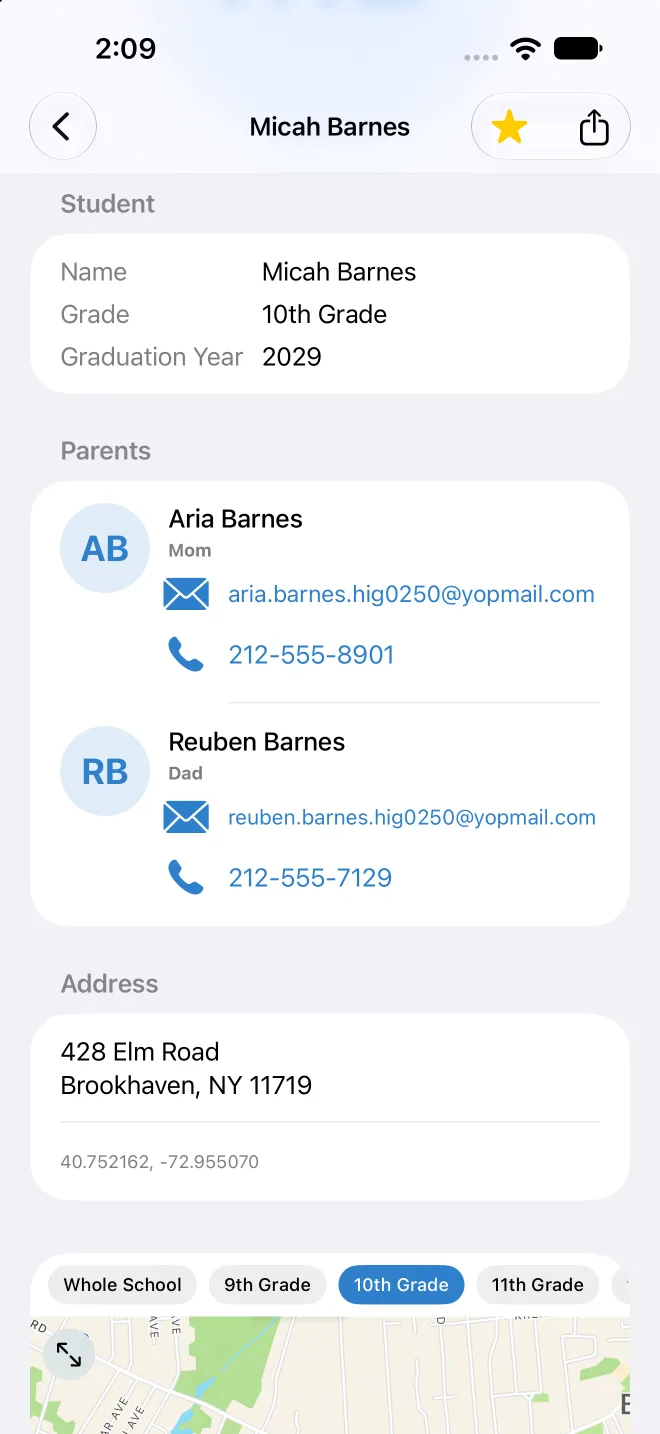
Browse and search the school roster and star the families you reach out to most. See each student with their guardians and tap to call, text or email. Your private stars, notes and lists are visible only to you.
Maps and organizations
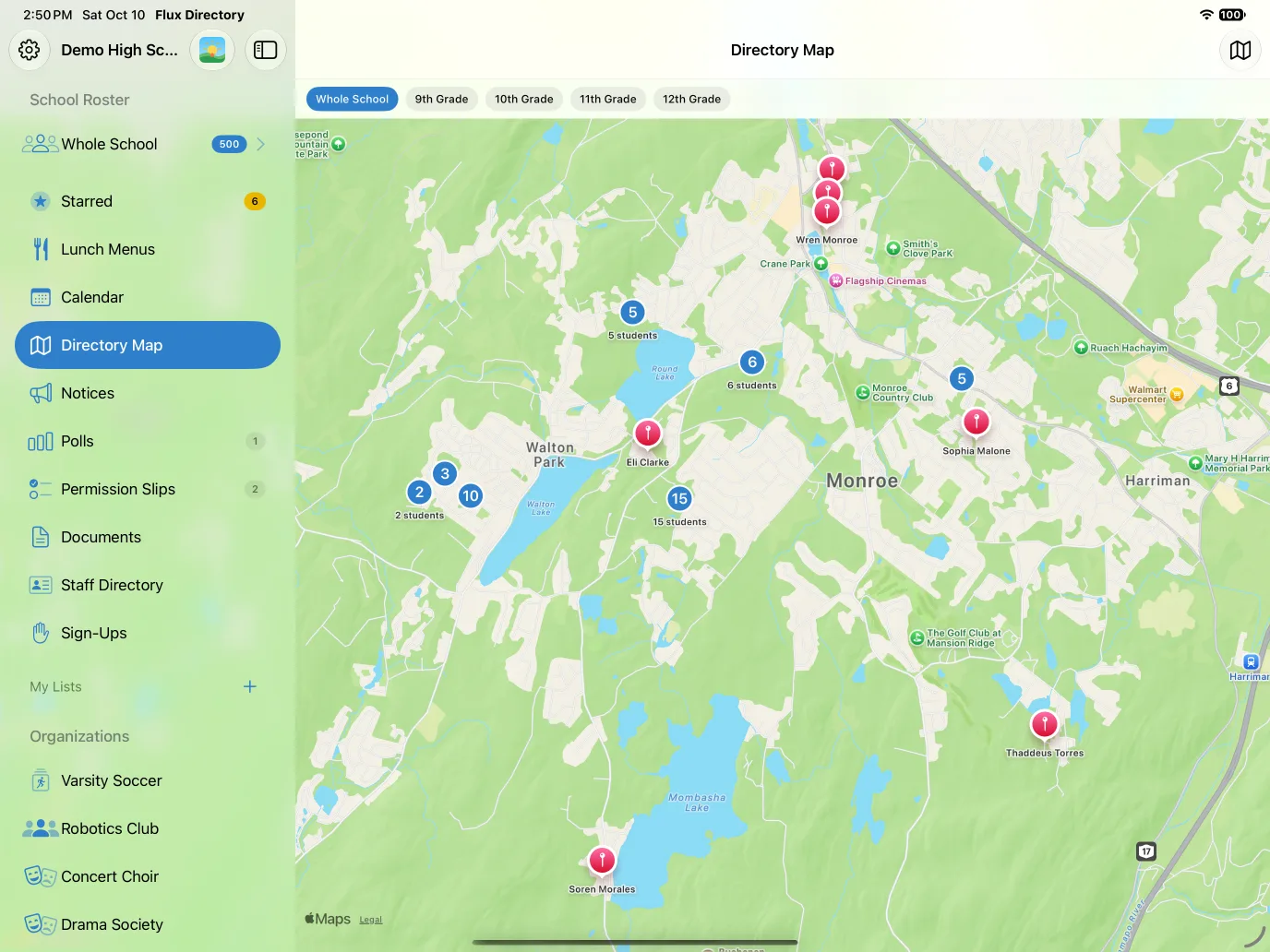
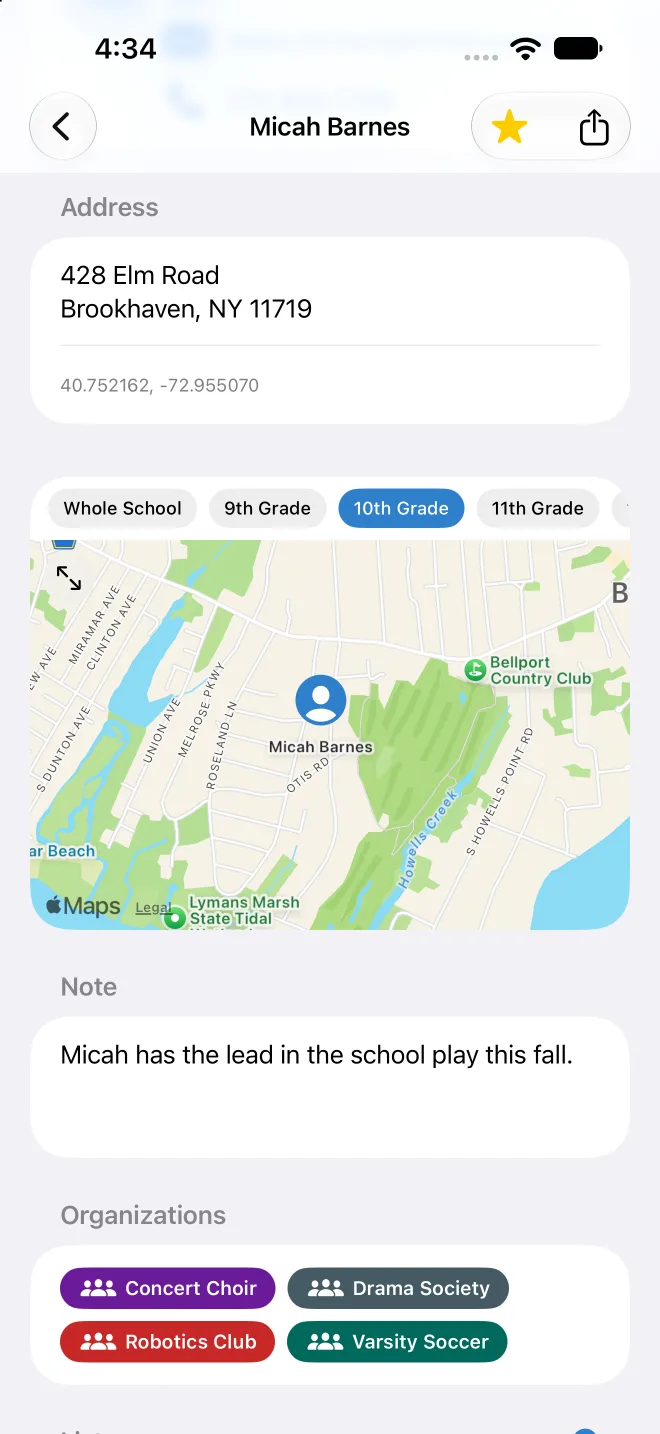
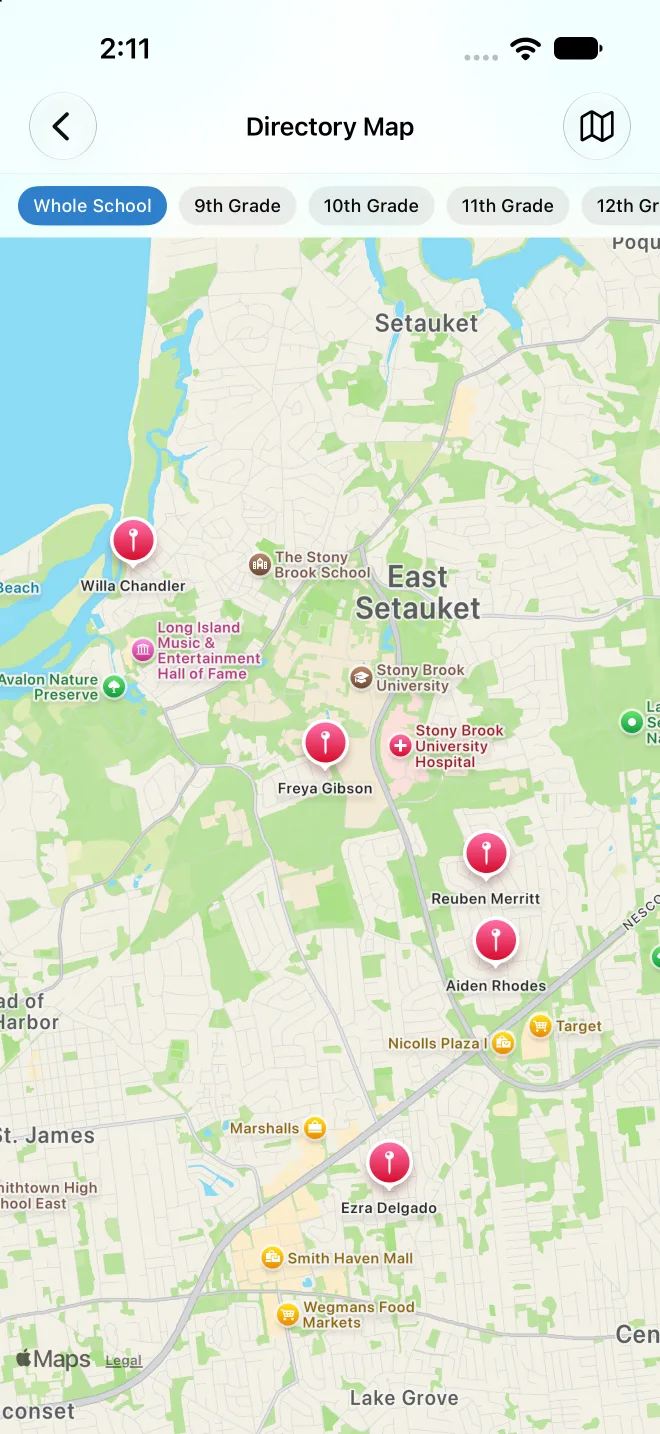
See where families live to plan carpools and playdates, filter by grade, and see the clubs, teams and groups each student belongs to. Visibility follows each family's privacy settings.
Lunch menus
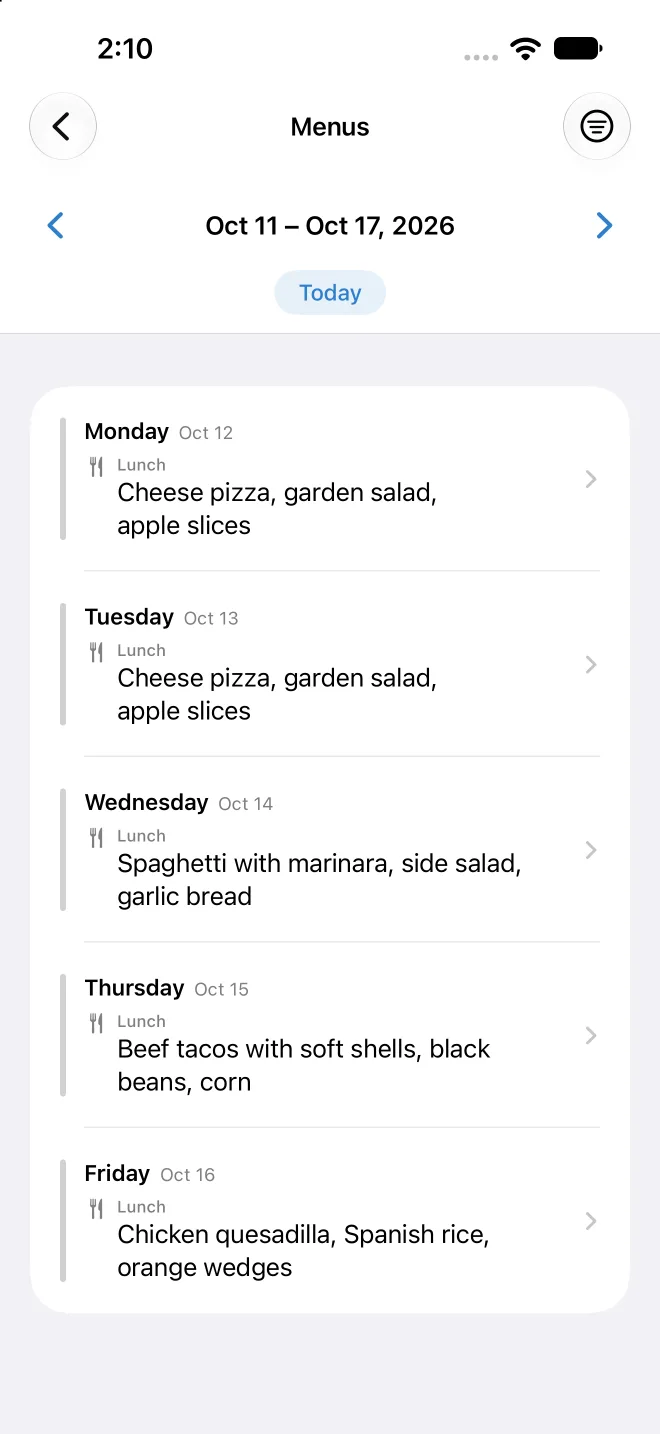
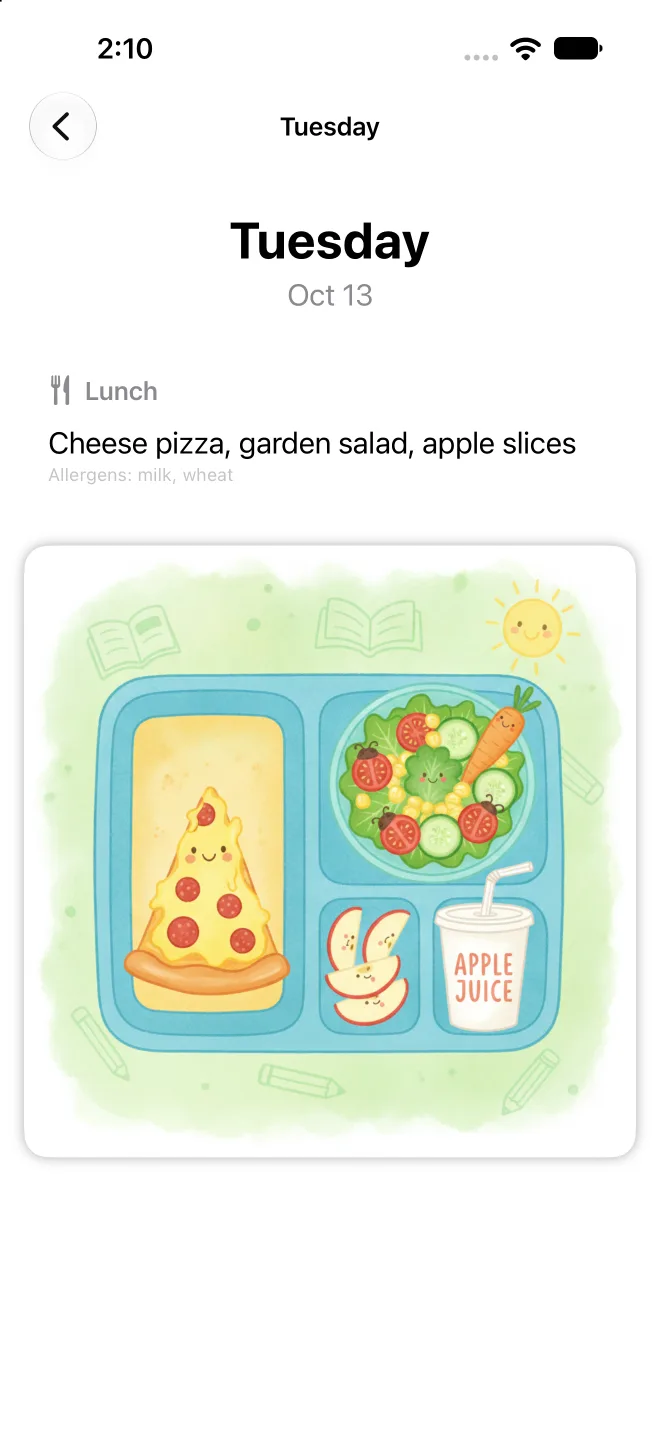
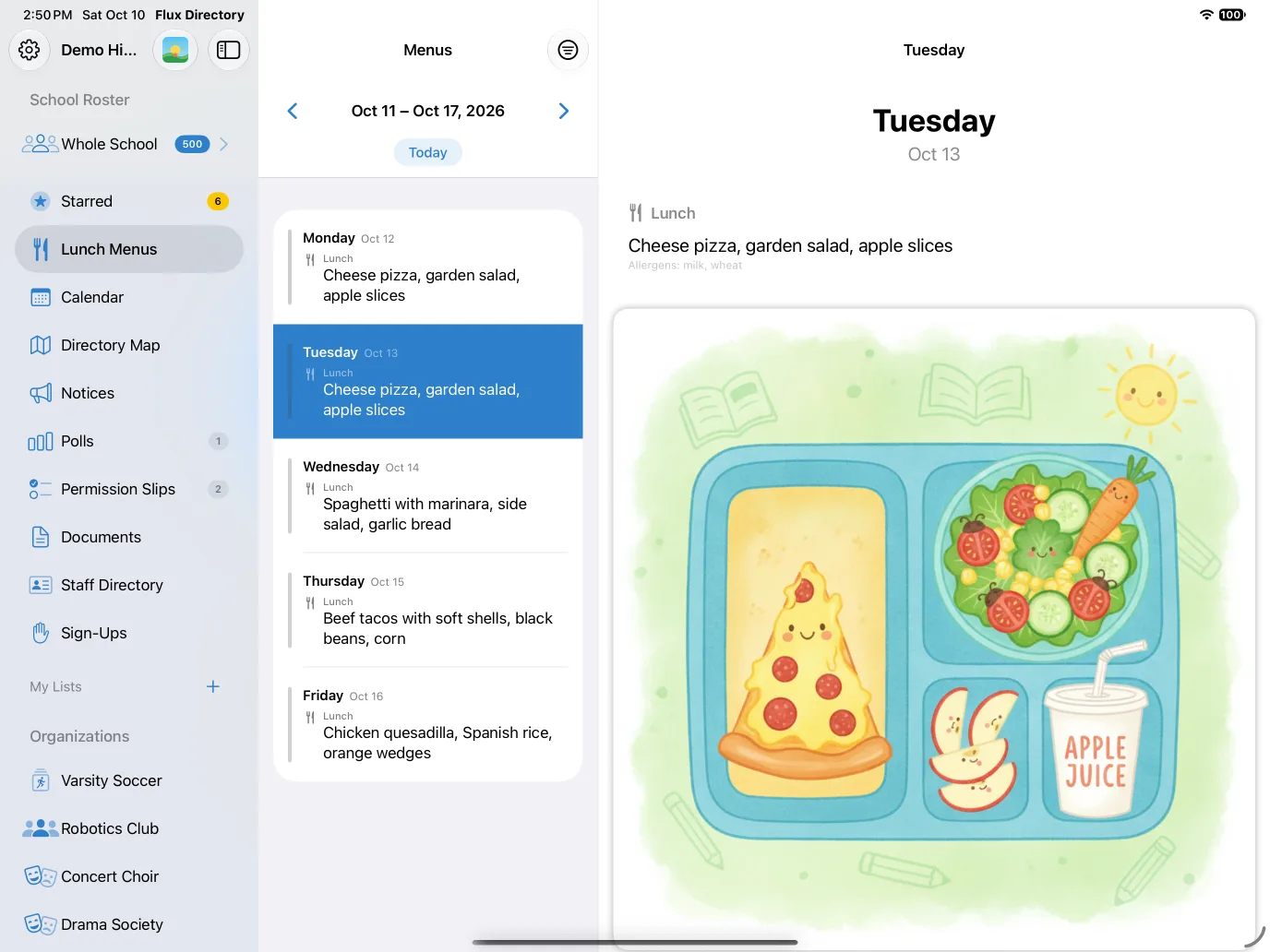
See what is for lunch this week, with a day-by-day view and an illustration for each day.
Notices, permission slips, polls and sign-ups
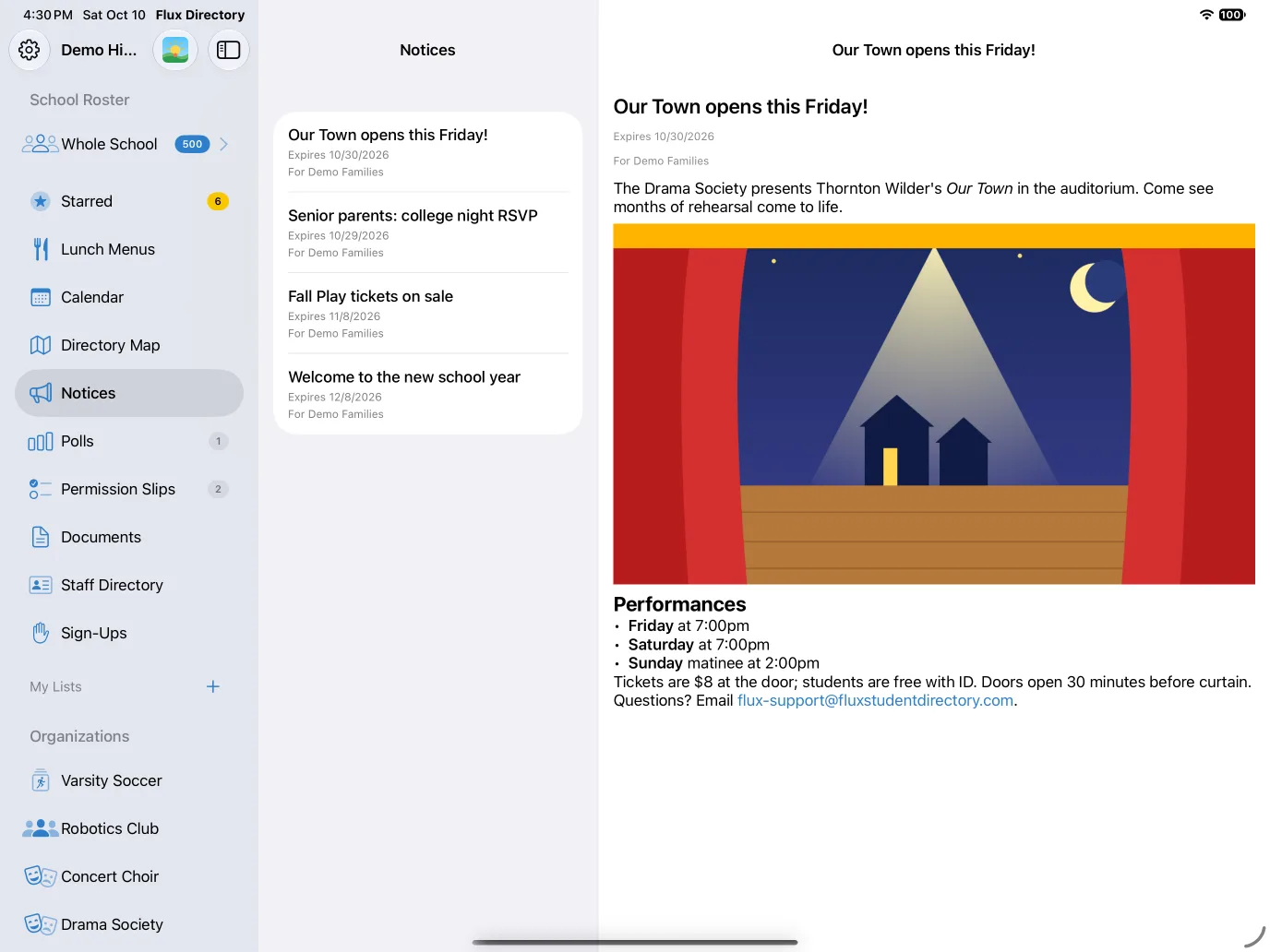
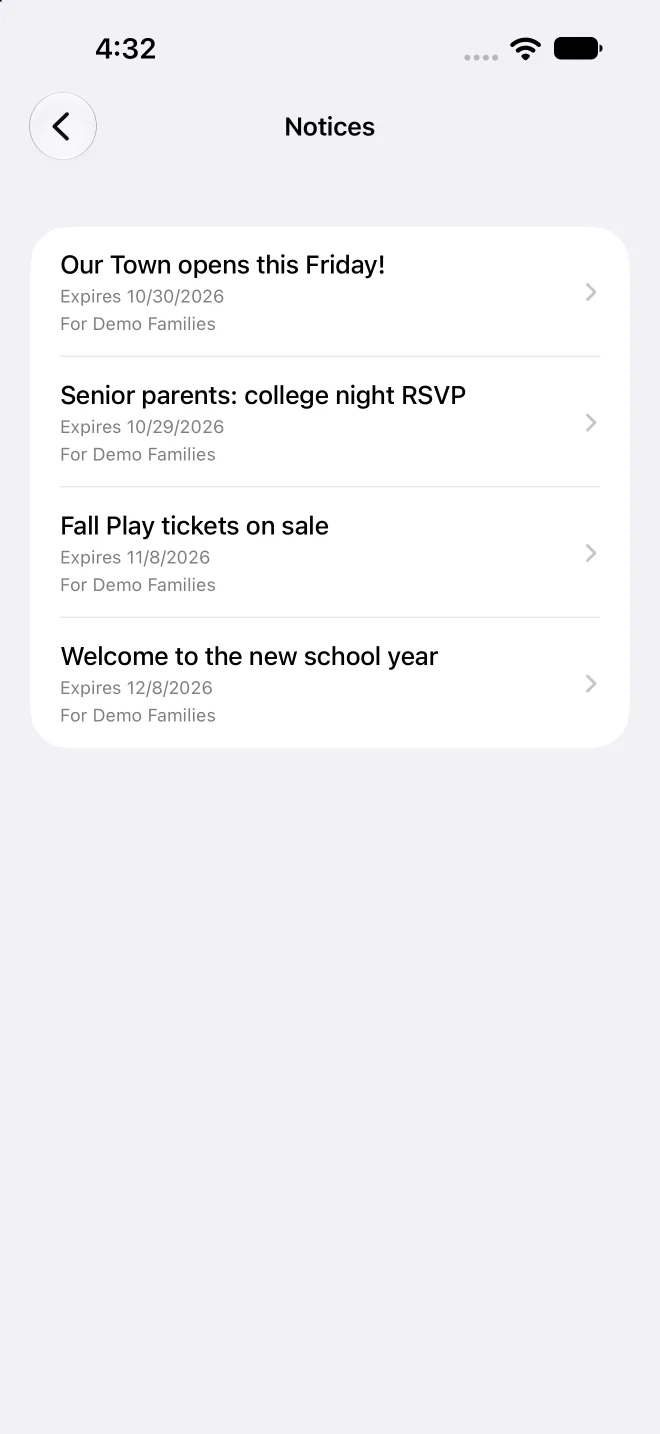
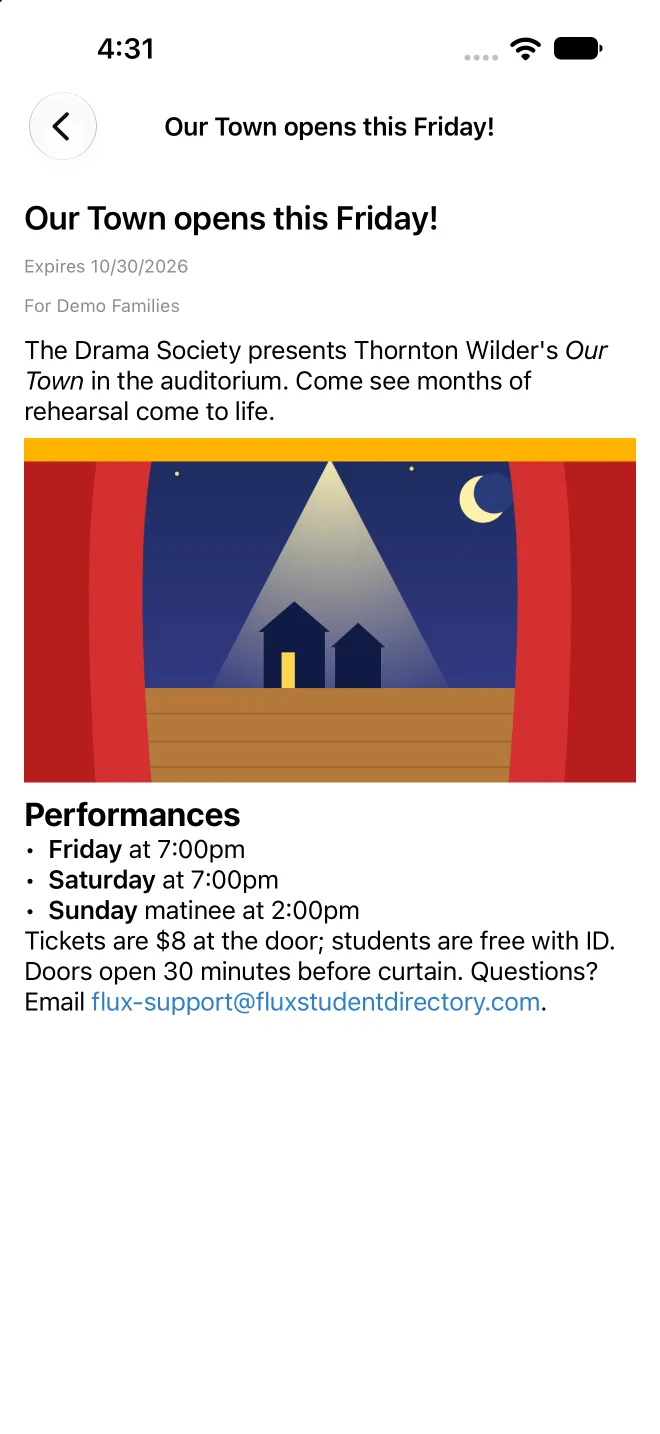
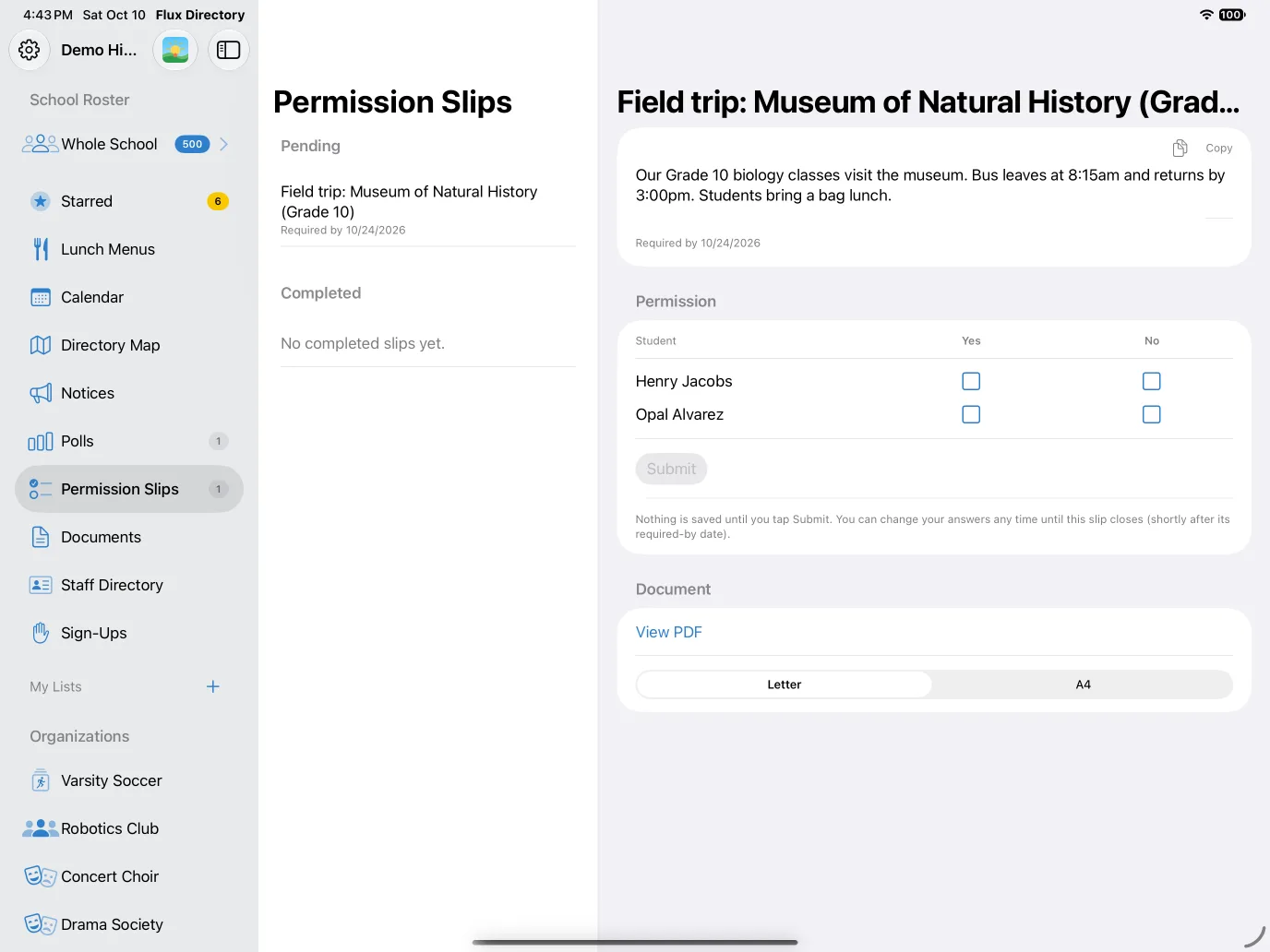
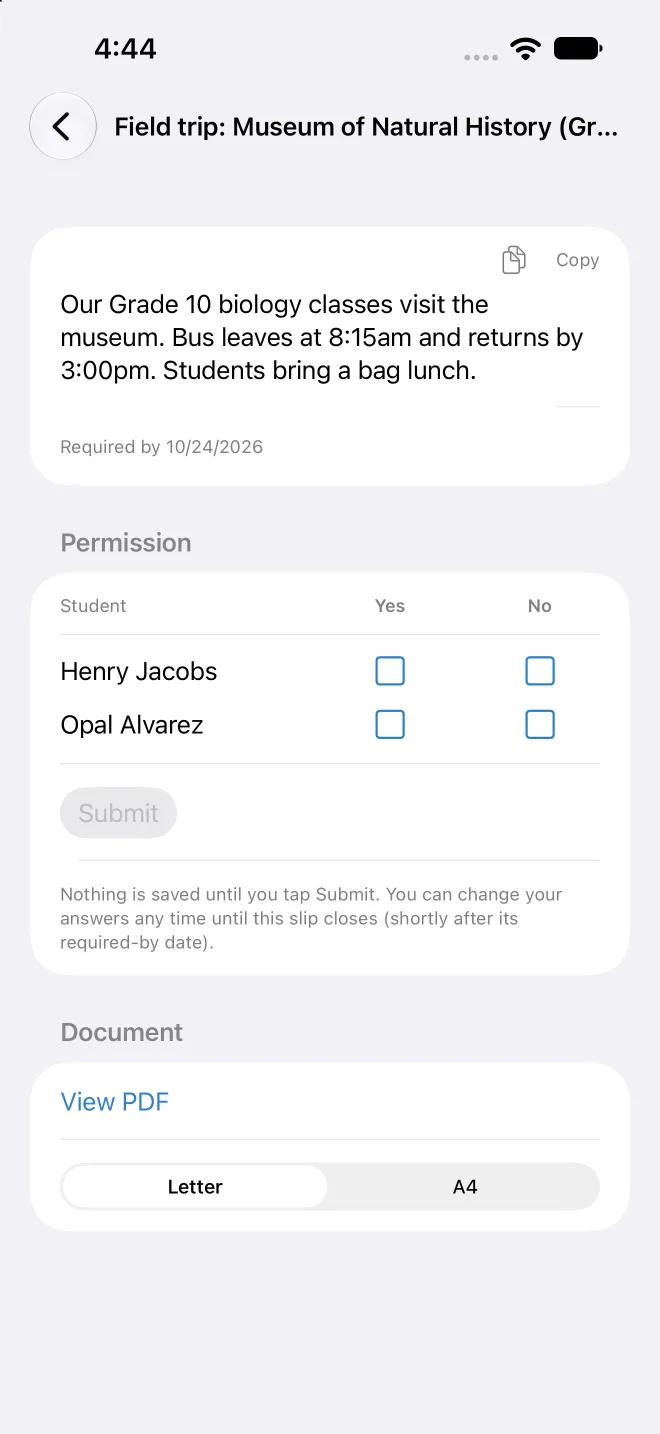
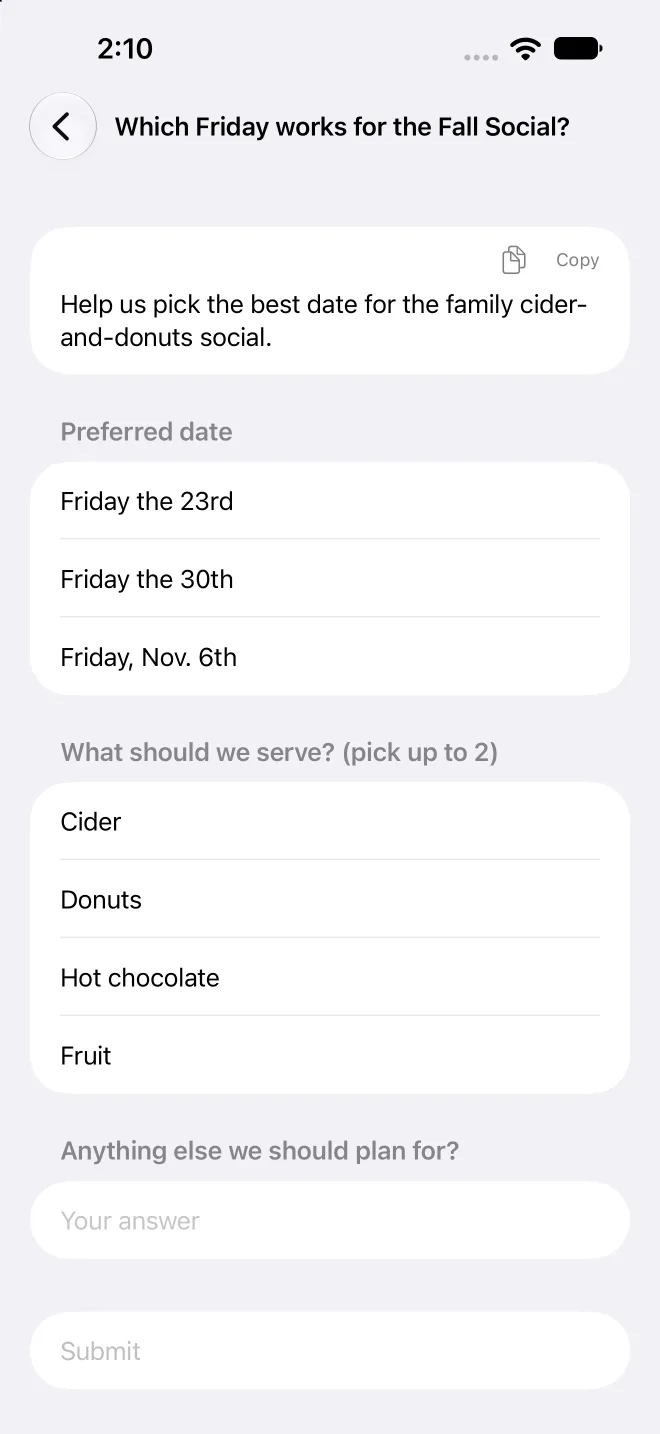
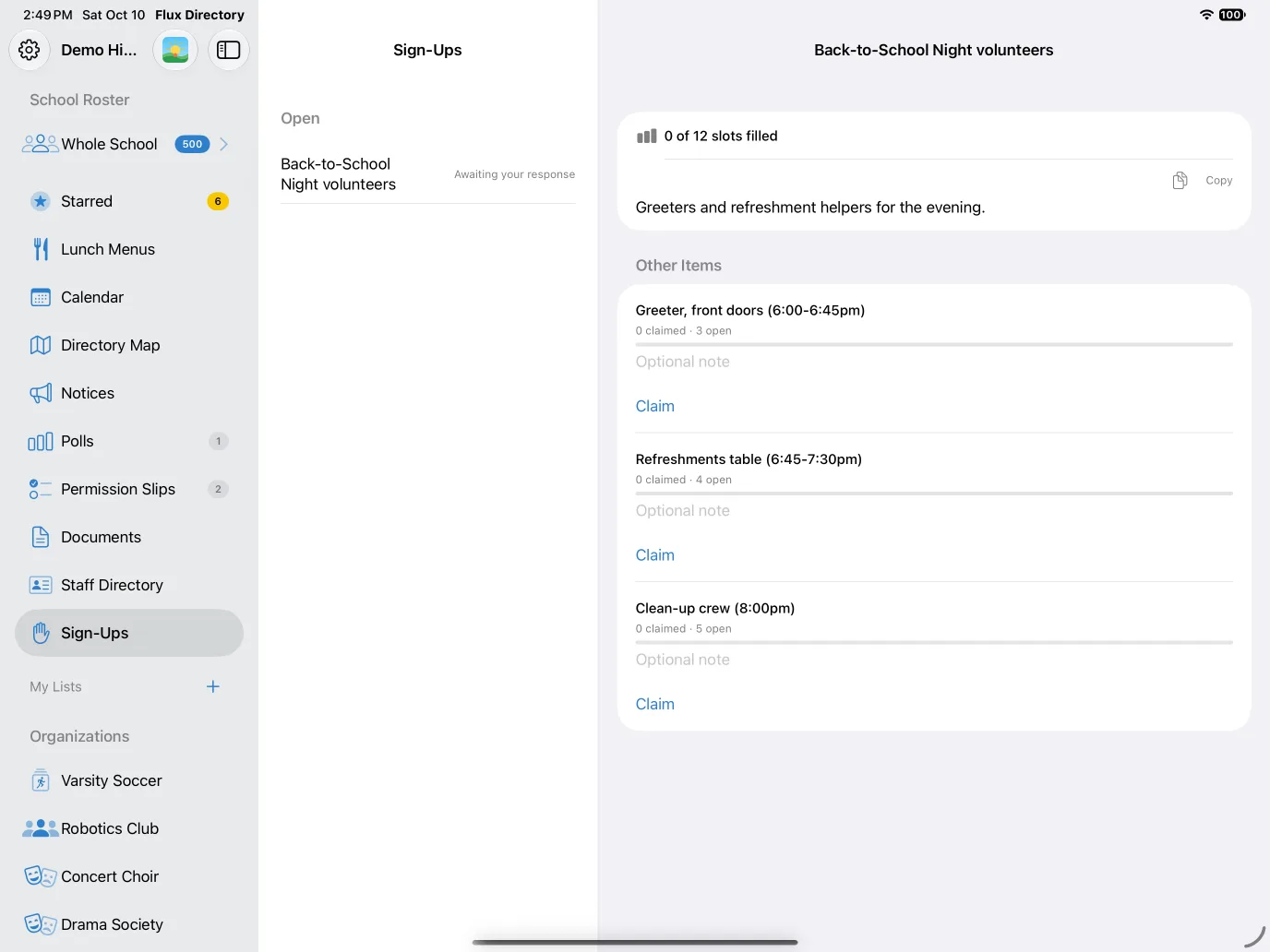
Receive school notices with formatting and pictures, sign permission slips, answer polls and claim volunteer slots from your phone, with push notifications when something needs you.
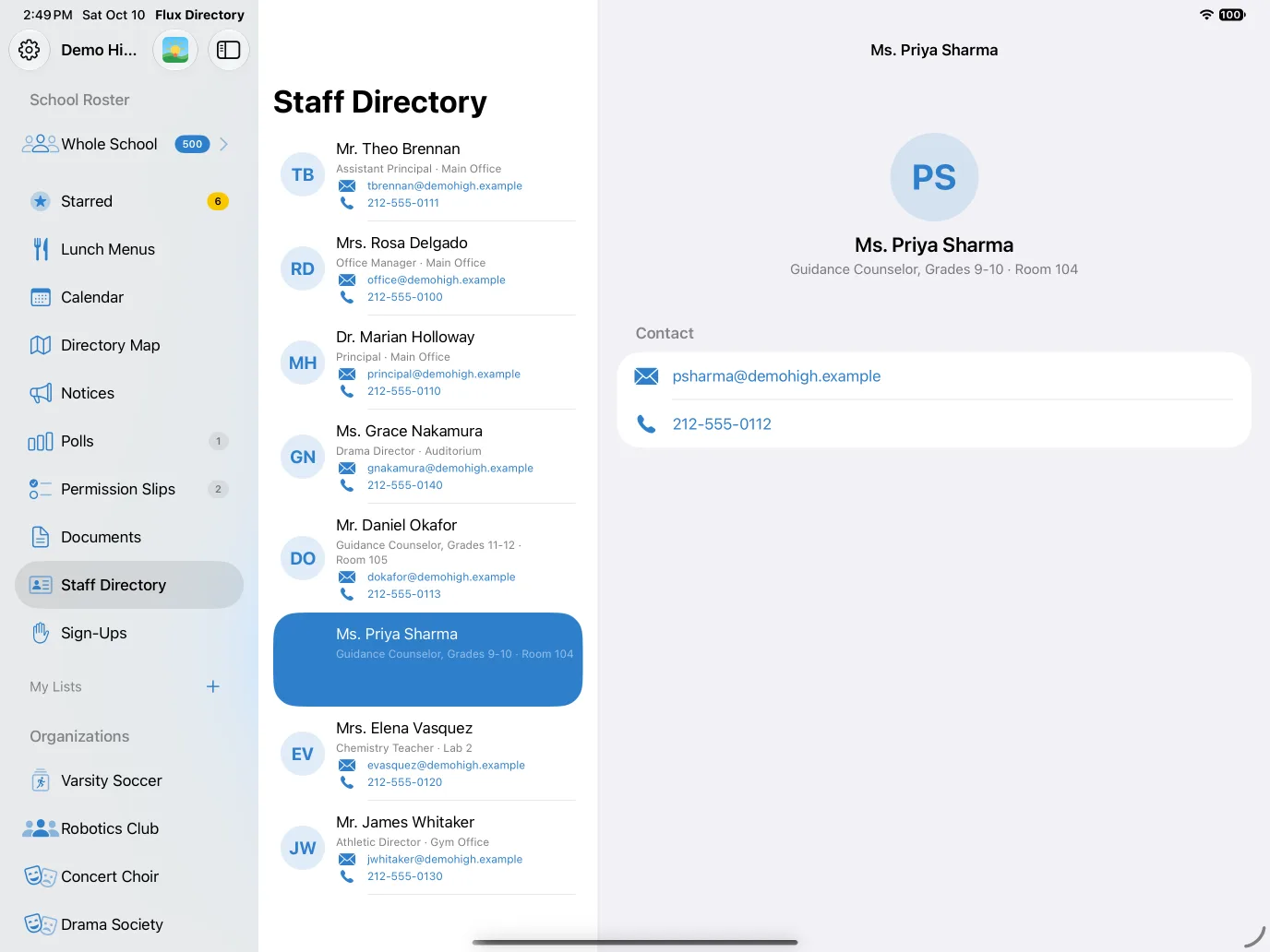
Staff directory
Find the right person at school fast, with their role, room and one-tap call or email.
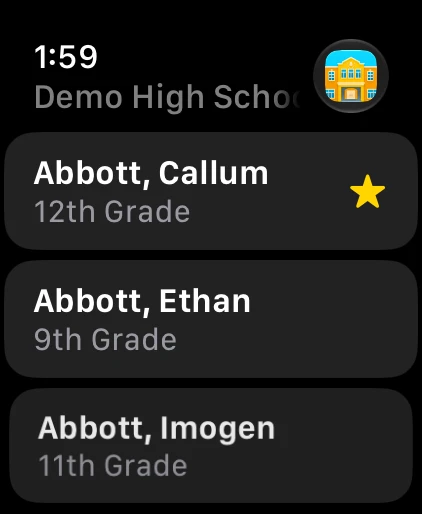
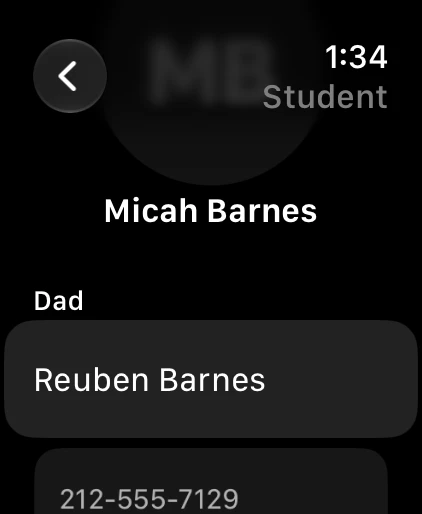
On your Apple Watch
A read-only companion for quick lookups: the roster, student details and one-tap call, text or email, available offline.
Invitation required
Flux Student Directory is available only to families and staff of schools that use it. You need an invitation from your school: the school adds your email address, then you create your account with that same address. If you cannot sign up, contact your school administrator to be added.
Support
Questions or problems? Send us a question, and we will reply by email.